Why This Format Works So Well for Attention Span
Most short-form viewers decide in just a few seconds whether they stay or leave. Split-screen gives their eyes something to track while they listen to your main message. The gameplay movement at the bottom acts like a visual anchor, so the video feels active from start to finish.
This does not mean you need to make your edits chaotic. The goal is simple: keep the pacing alive without distracting from your voice, story, or idea.

A Simple Flow to Build the Video
1. Start With the Main Story
Build your core clip first. Trim pauses, tighten your hook, and make sure the first sentence gives people a reason to stay. If the top half is weak, no gameplay can save it.
2. Add Gameplay as Supporting Motion
Place gameplay on the bottom section and keep it visually clean. Avoid clips with intense UI clutter or sudden flashes if your topic is serious. Pick footage that matches your energy, not footage that fights it.
3. Add Captions to Increase Watch Time
Captions help a lot in this format because many people watch with low or no sound. Keep them readable, centered in the safe zone, and broken into natural phrases. Good captions improve retention and make your message easier to understand right away.

How It Helps With Duplicate Content Issues
If you repost raw clips without changing much, platforms can treat it as low effort duplicate content. Split-screen editing forces meaningful changes. You are restructuring the composition, adding your own voice, adding captions, and often changing timing and context. That is manual work, but it creates a distinct piece of content instead of a basic reupload.
Think of this as transformation, not decoration. Your goal is to add clarity, perspective, and a new viewing experience that stands on its own. If you want to see this in a real creator workflow, check how Mental Mavens used the same split-screen approach.
Split-Screen Demo
Available Gameplay Covers You Can Use
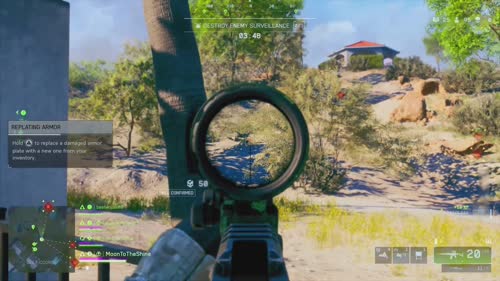
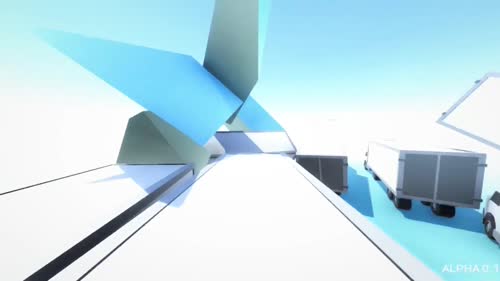
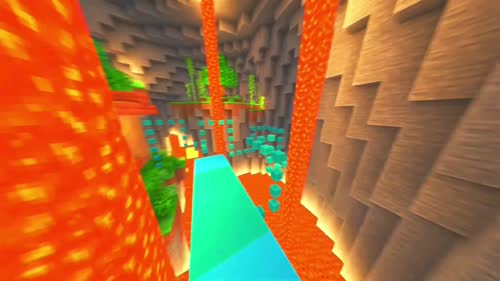
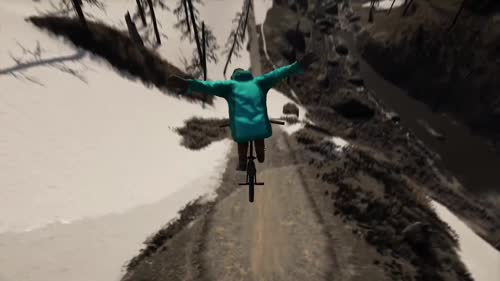
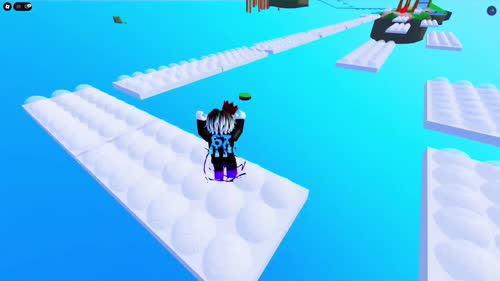
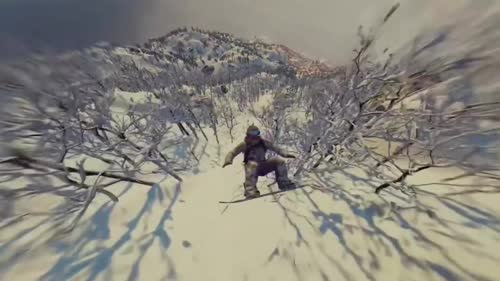
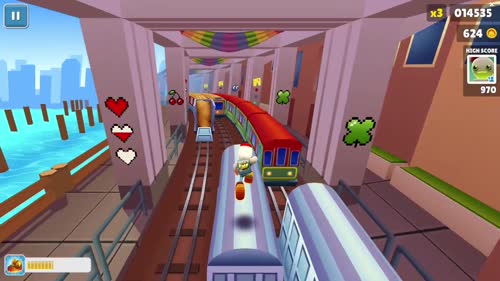
Here are the currently available gameplay options. I am showing names and cover images only, so you can pick quickly before generating your final video.
Practical Tips That Make This Easier
- Keep your hook under 2 seconds and make the first line specific
- Match gameplay mood to your topic so it supports your story
- Use clean caption styling with strong contrast and short line breaks
- Avoid over-editing the bottom footage if it distracts from your point
- Batch-create 3 to 5 videos in one session to stay consistent
- Review retention graphs weekly and keep the versions that hold viewers longer